What would you buy if…
It is a frequently asked question in the community. What would you buy if you had that and that amount of money. And so, here we go with my list!

Back in 2020, we were building SIMU MED MUNI. I was responsible for the AV and IT infrastructure, including the networks and server back-end. The total budget was well over two million Euros. We were sourcing everything: audiovisual kits for teaching rooms, specialised simulation tech (debriefing solutions being the crown jewels), servers, switches, office workstations, simulation PCs, IP phones, and digital signage. And, of course, a mountain of software to make it all sing.
If you’re looking for a hand with designing technologies, systems, or networks for your own simulation centre, feel free to give me a shout.
But looking back with the benefit of hindsight and four years of daily operation, what would I buy today? Quite often people ask on socials…
Proper Management Software
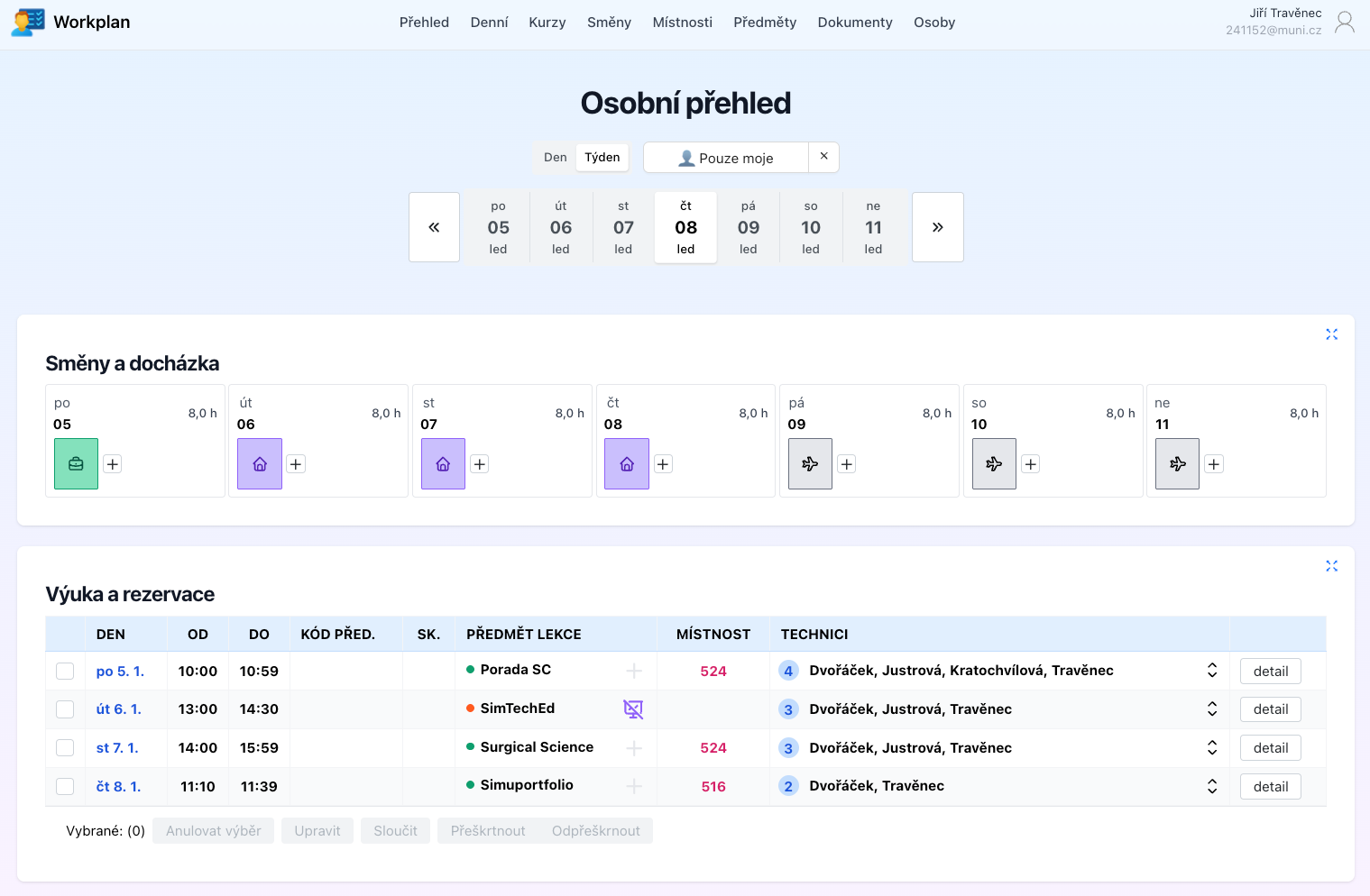
Let’s start with the ultimate dream. A comprehensive system to track every course, every teaching session, and every single piece of kit. A system that helps manage the entire centre by organising both colleagues and equipment. I’m talking about a "helping hand" that guides even a junior technician through the setup process using detailed checklists.
The catch is that you can’t actually buy one. At least, not one that fits perfectly. So, we did what any self-respecting tech team would do: we built our own.
A Robust Video-Debriefing System
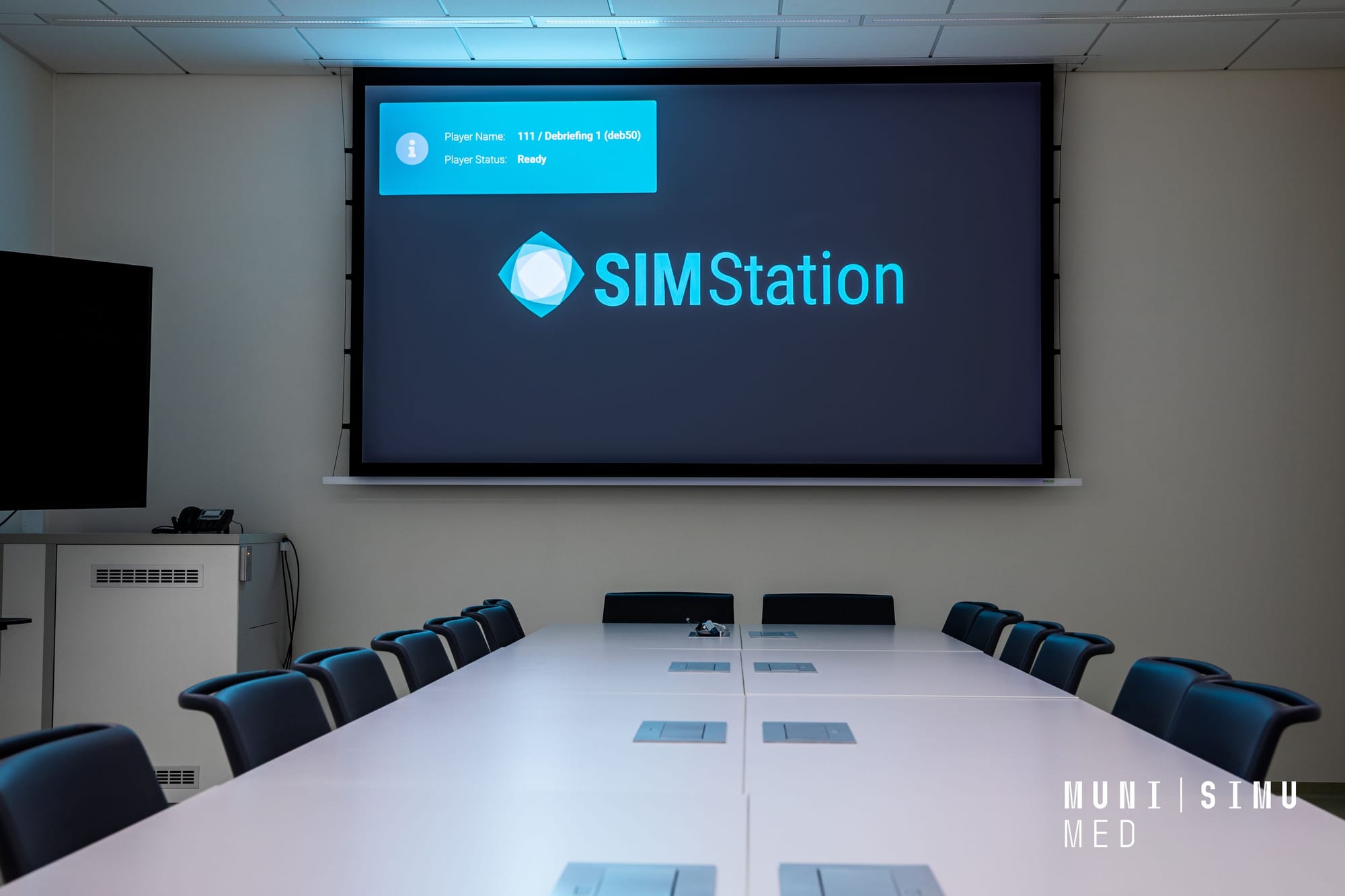
Debriefing is the beating heart of modern simulation. It’s what allows us to observe the scenario, lets students observing from debriefing room into the action, and provides the playback for the debriefing discussion.
In a large-scale enterprise centre, you need reliability. You don’t want kit that requires constant "nursing" or repairs. At SIMU, we have thirteen units of SIMStation: 11 fixed SIMStation Enterprise stations, one large mobile SIMStation Pro unit, and a small portable Essential unit from around 2018.
What would I get today? Honestly, I would get more debriefing capacity. There’s a classic rule of thumb that your centre’s capacity isn't defined by the number of simulation rooms, but by the number of debriefing rooms. We’ve already had to expand our count.
I’d also definitely add the SIMStation Go. It’s brilliant for in-situ simulations (training directly in the clinical environment), and it simply wasn't on the market when we did our initial big spend.
Serious Screens
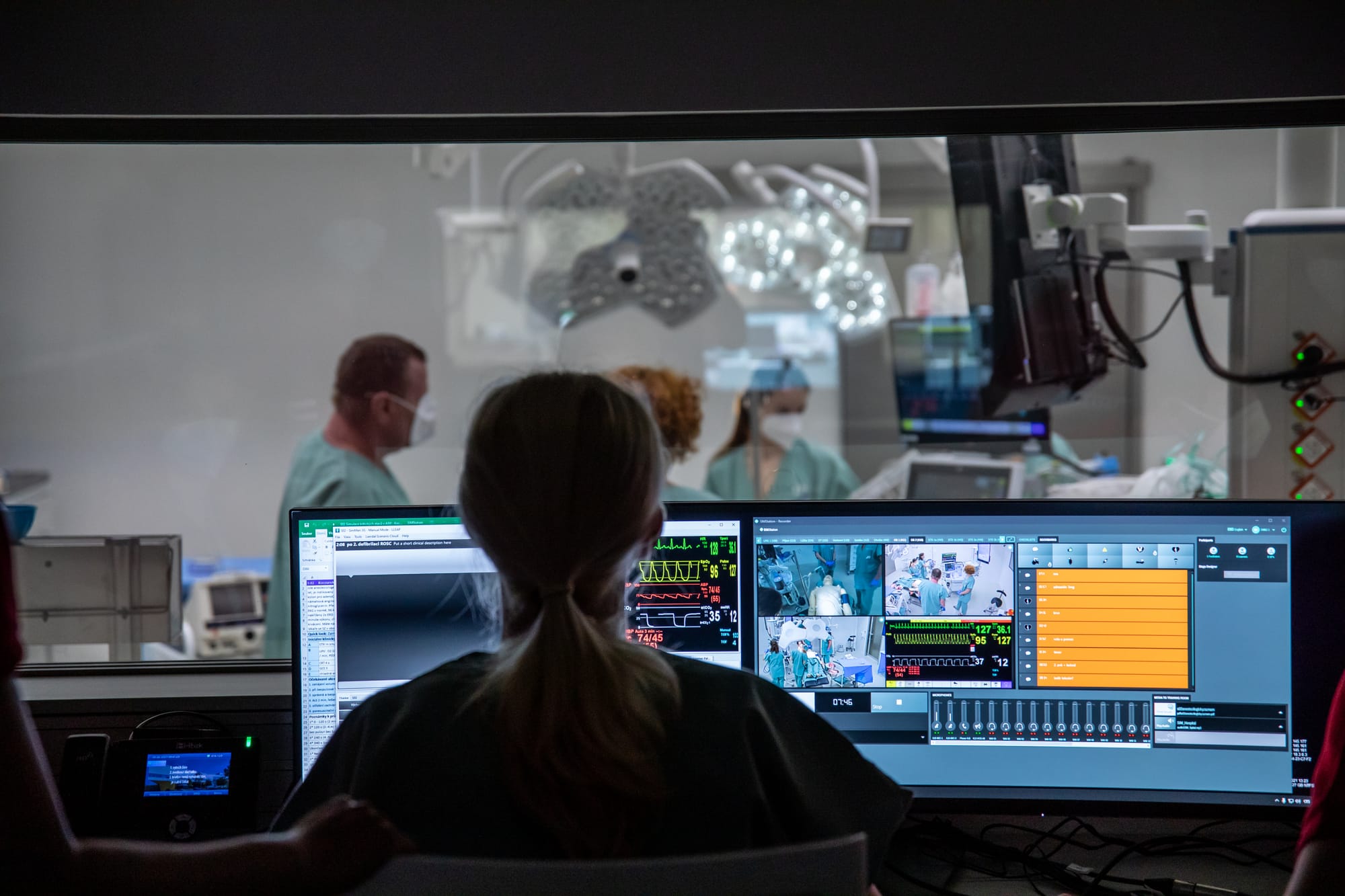
Let’s be honest: everyone wants these, and we absolutely love them. We use 49" curved Dell monitors (5120x1440). The amount of information you can fit on one of these is staggering because it is larger than three standard desktops combined. We even customised their mounts, lowering them slightly so the operators in the control room have a clear line of sight over the top into the simulation bay.
For creative work, we use some "giant pets" too, specifically 40" 5K panels from both Dell and LG. It’s a genuine joy to work on these.
A Professional Camera Setup
Why? Because it unlocks a whole new level of professional output for your centre. We’re talking about representative photography of your teaching, clear instructional videos for trainers and simulators, and clinical procedure videos filmed in high fidelity.
Our arsenal grew gradually: BlackMagic Design Pocket Cinema Camera 6K, Canon EOS 5D Mark III, Sony A7 IV, and now we’re eyeing the Canon EOS R5 C. Add to that a collection of lenses, gimbals, a teleprompter, and a proper lighting rig.
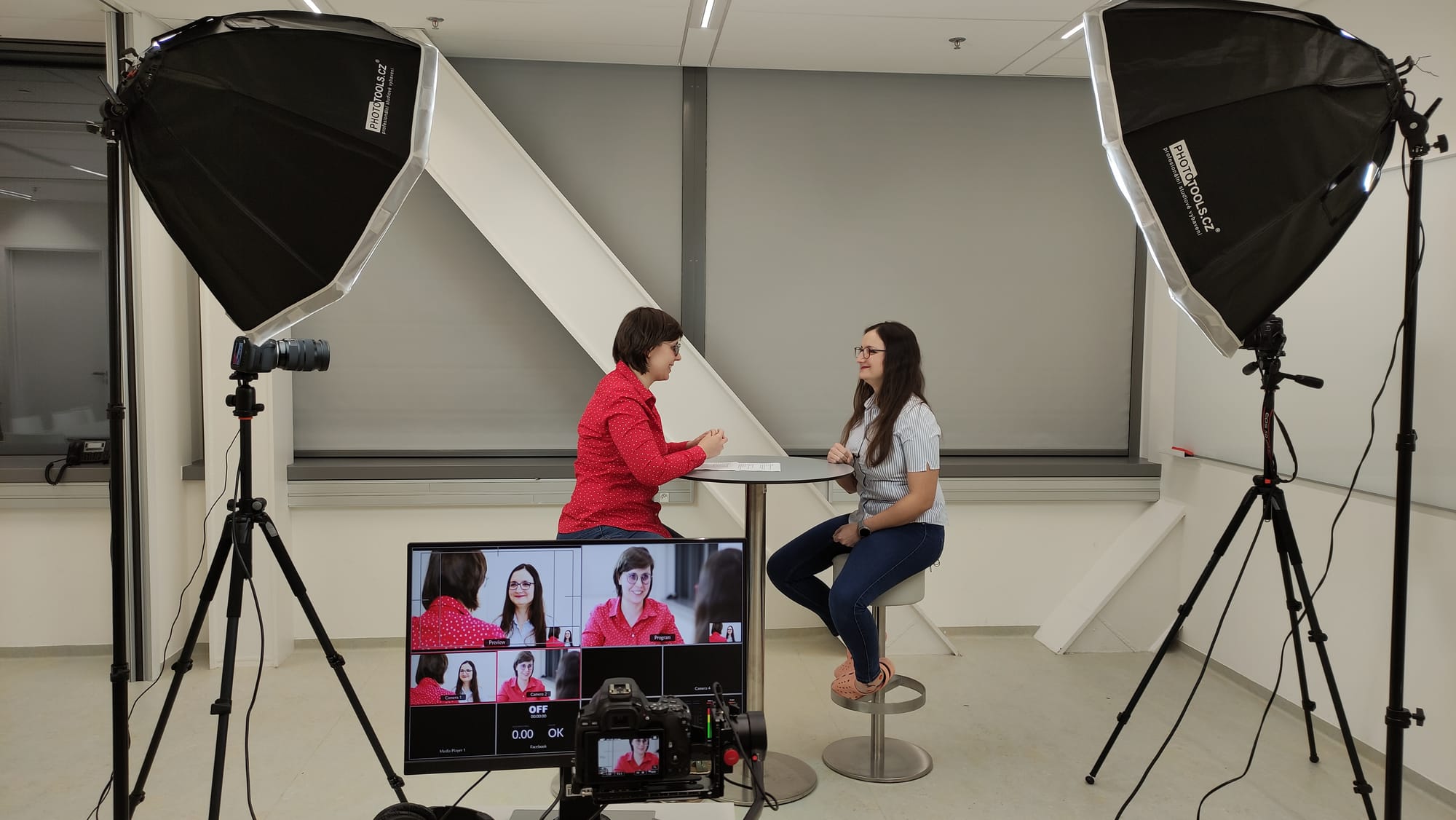
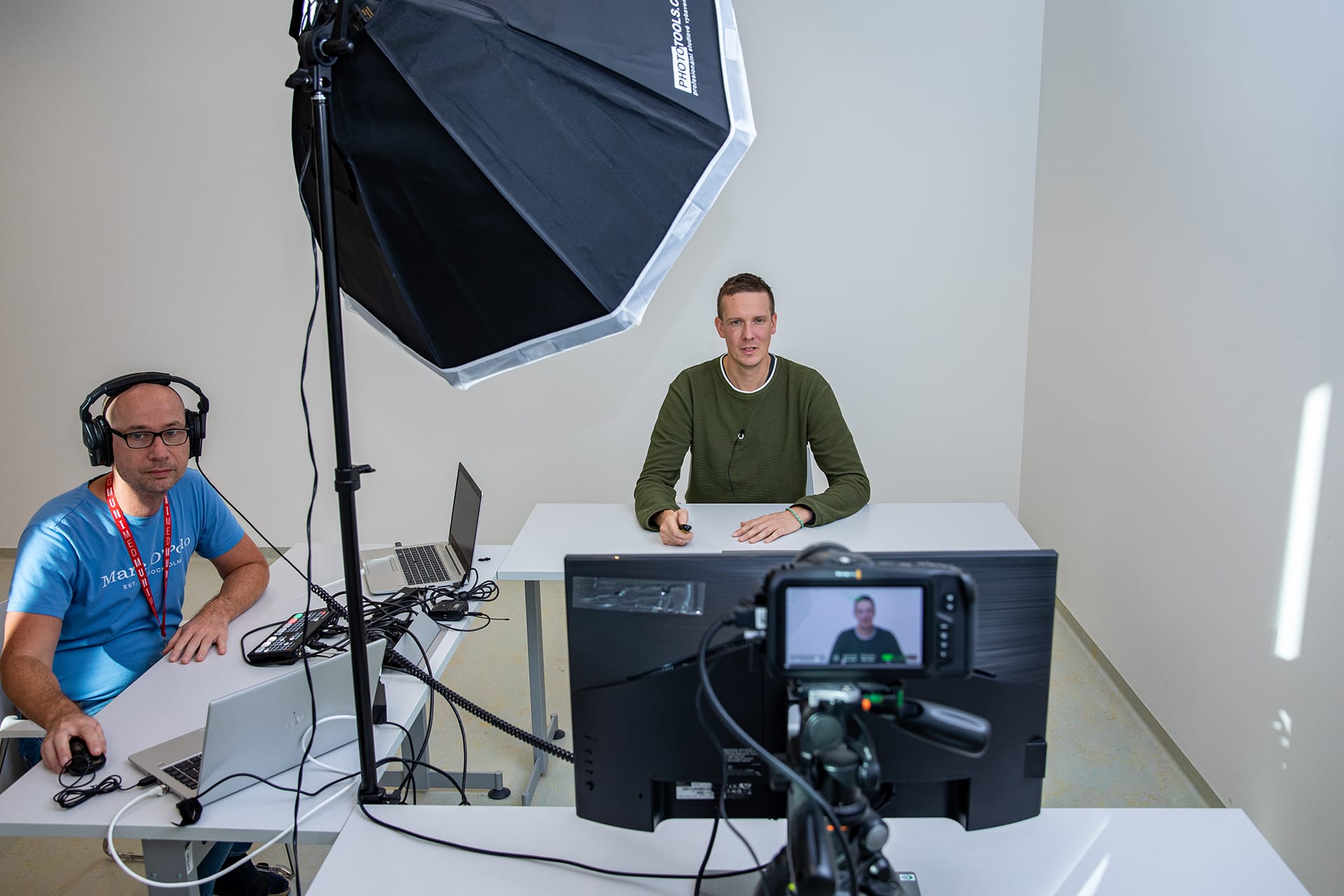
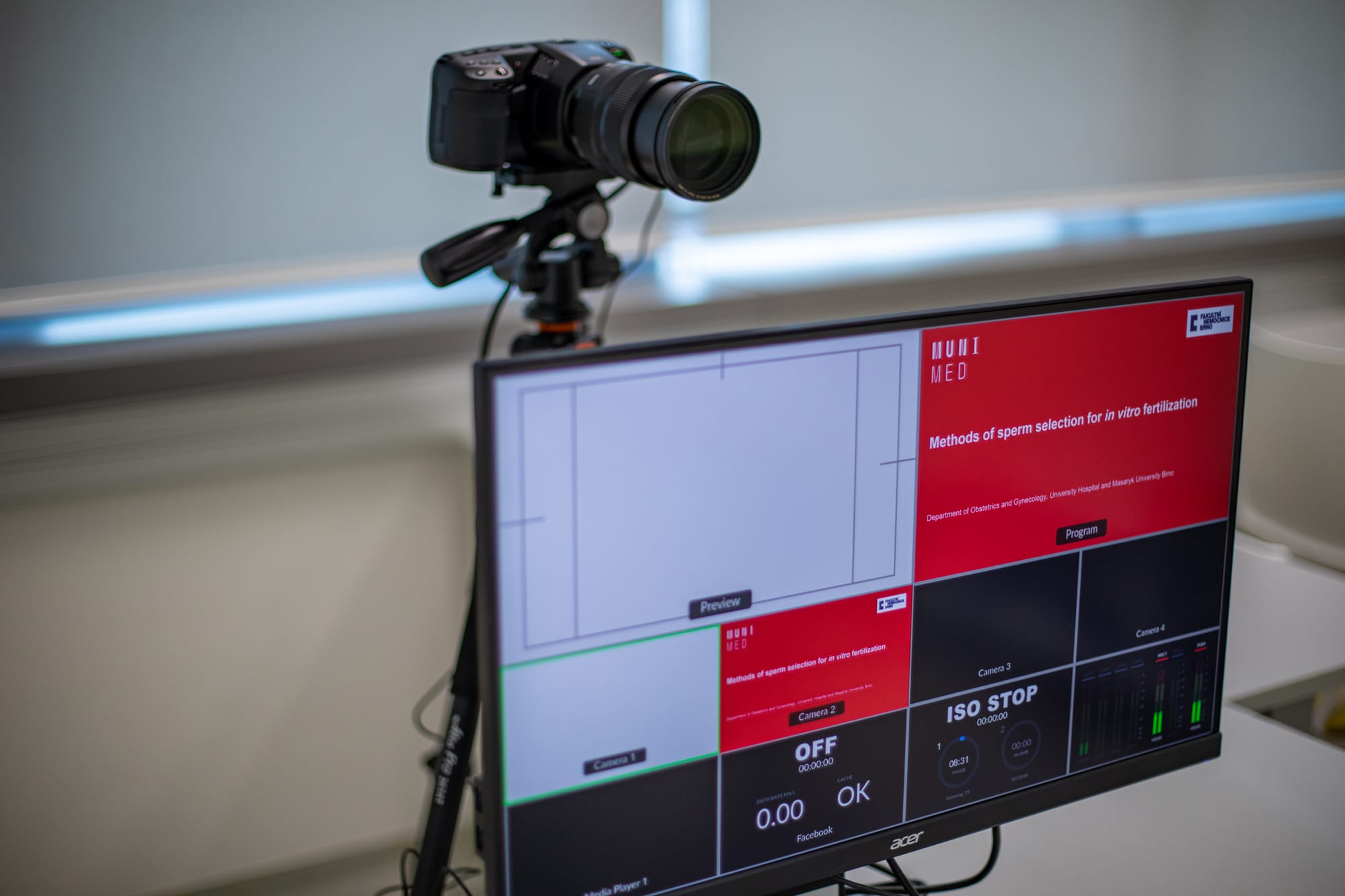
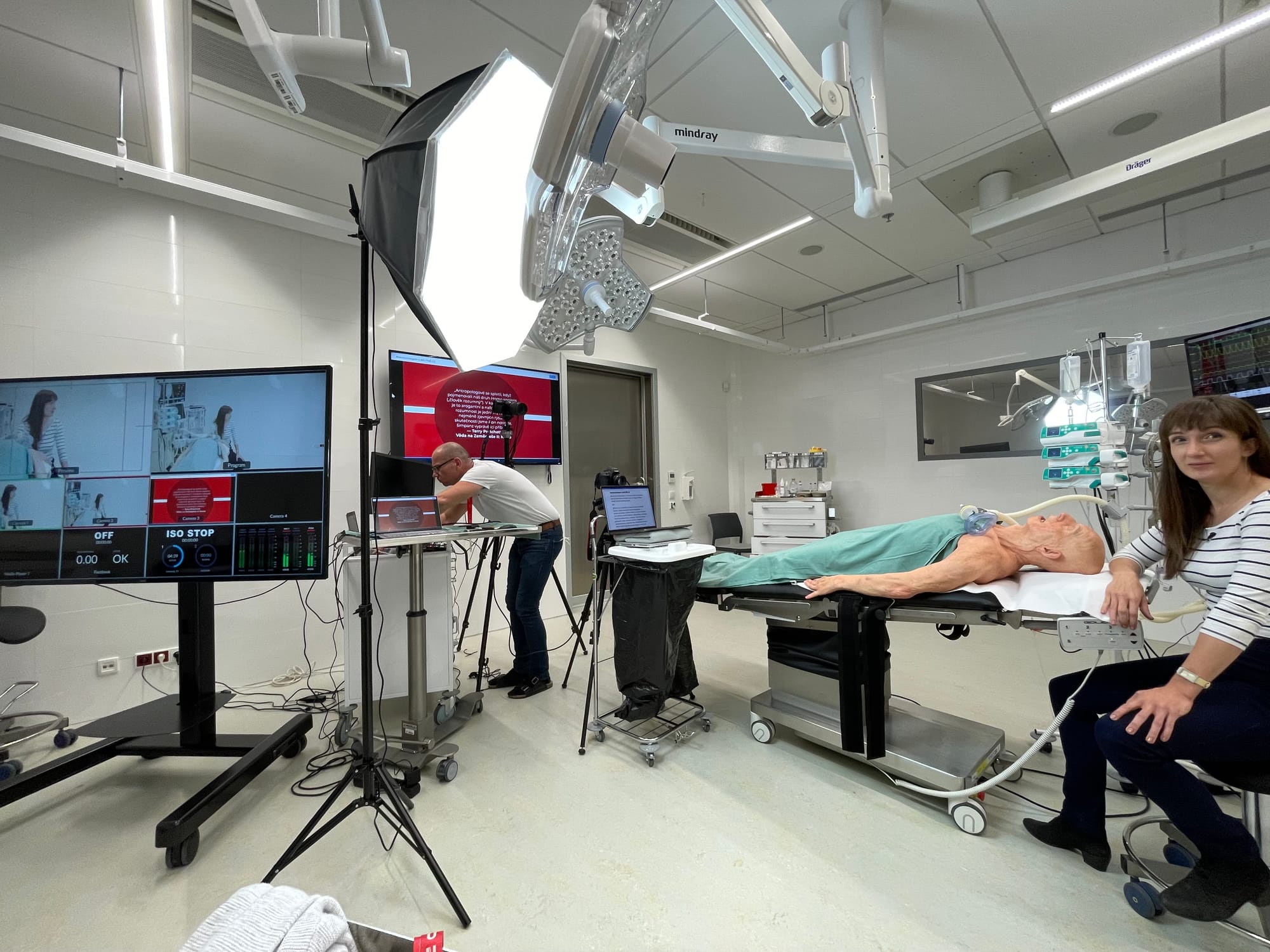
Recording tutorial videos © SIMU MED MUNI
A Proper Video Conferencing
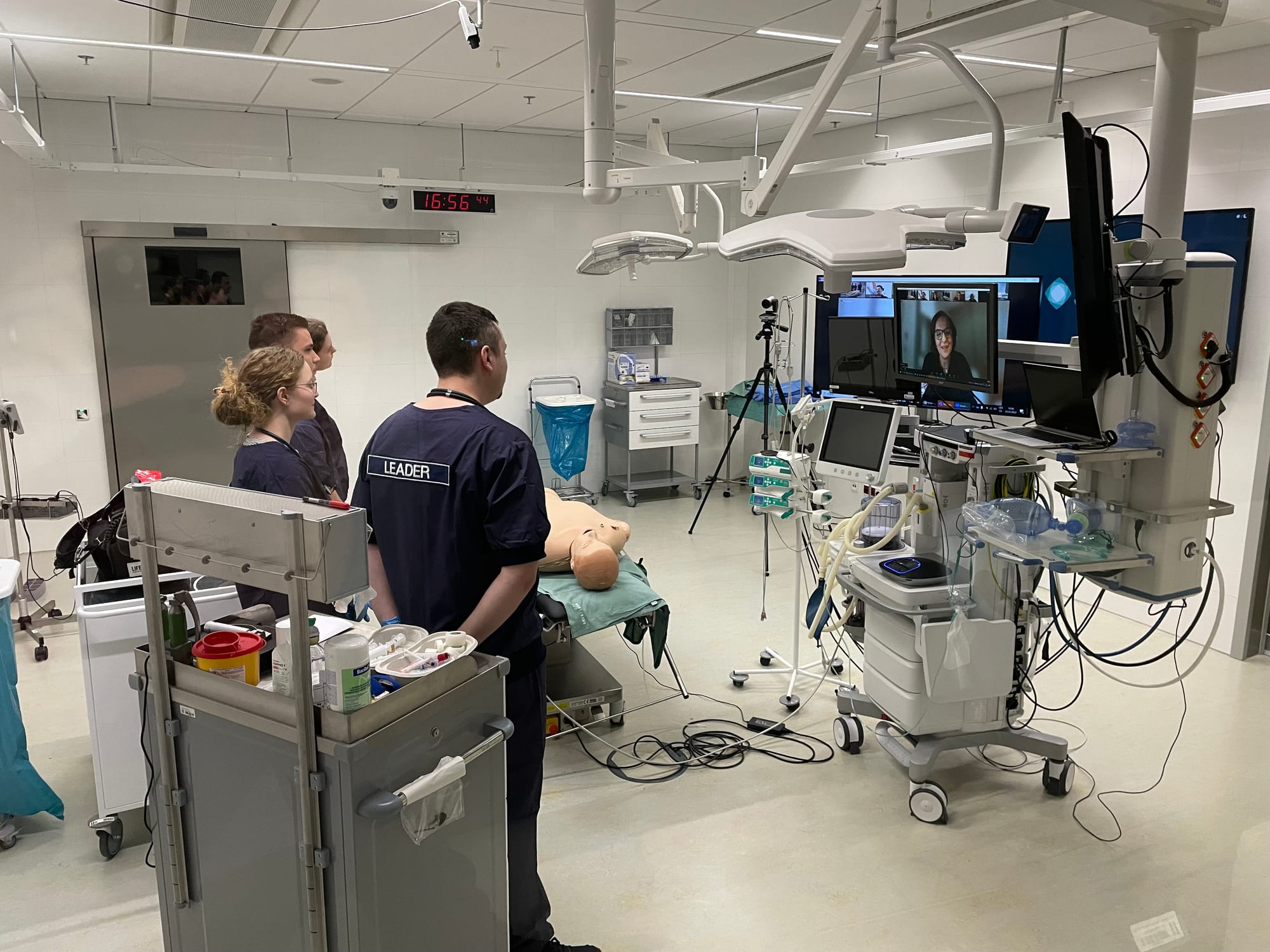
Please, let’s not overlook this. Communication is vital, whether it's with local colleagues who couldn't come today or international partners. A dedicated video conferencing unit improves the "hands-off" quality of these interactions immensely.
At SIMU, we have everything from the "Ferrari" of codecs (Cisco) to the Logitech Rally and Group systems. We have four meeting rooms fully equipped and two TBL (Team-Based Learning) rooms for hybrid teaching. I have a soft spot for the Logitech Group because they don’t cost a kidney and they perform well, but after five years of heavy use, they’re showing their age. For high-traffic areas, we’ve migrated to the Logitech Rally system hoping for better longevity.
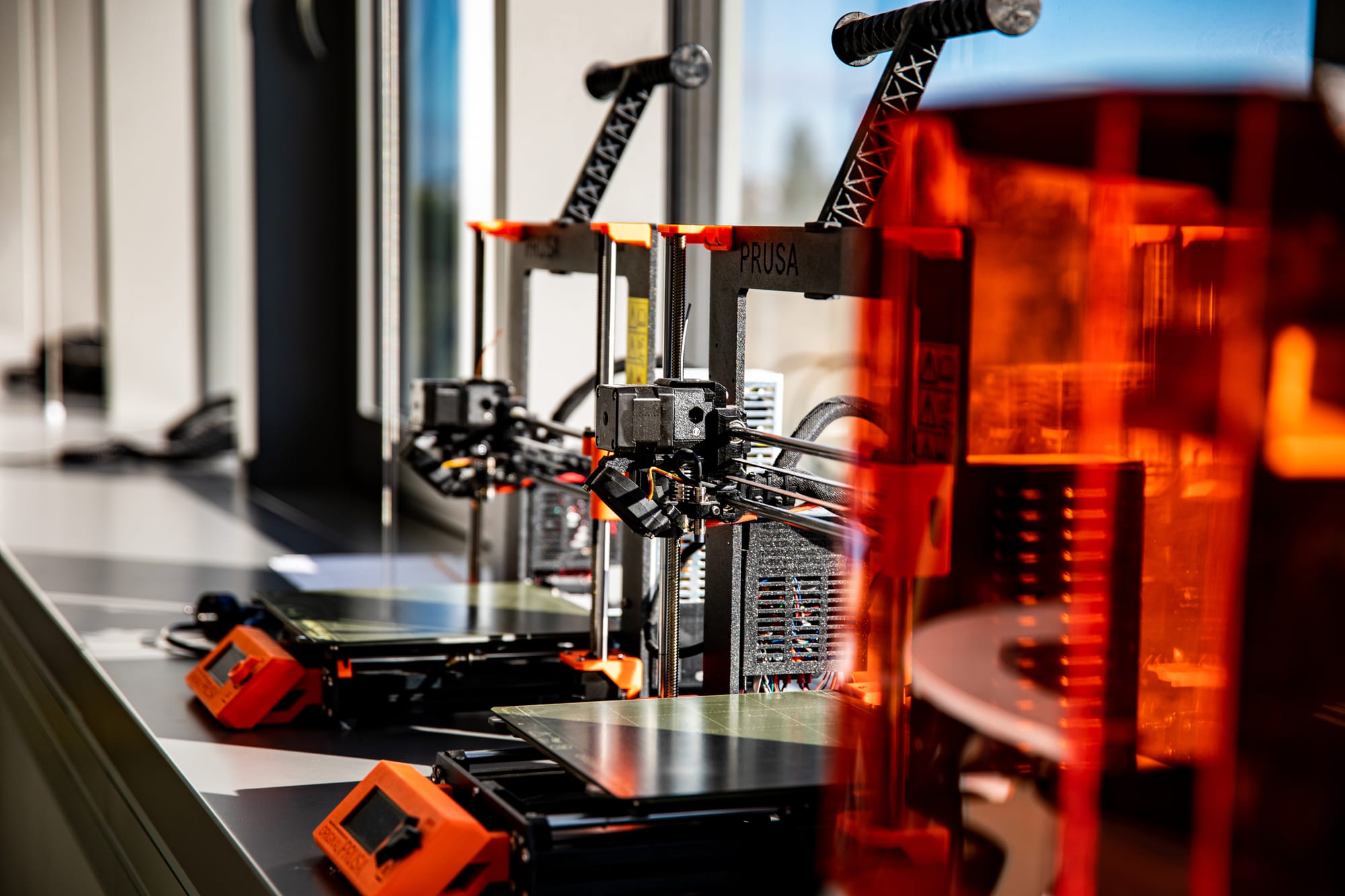
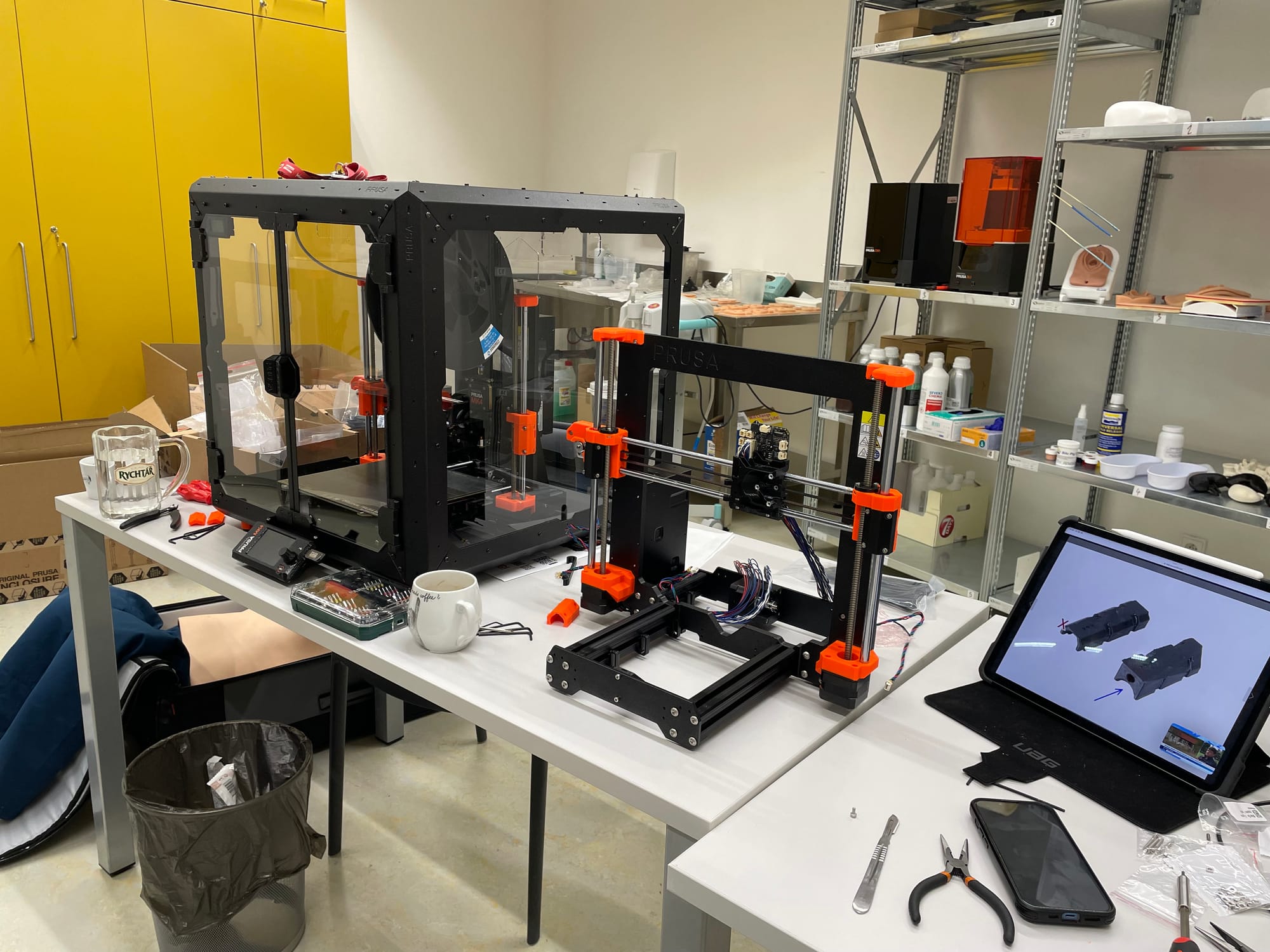
A Prusa XL (Five-head) and a few kilos of silicone
Absolutely! A simulation centre is a perfect playground for in-house manufacturing. Being able to 3D print custom parts, medical task trainers, or anatomical models is a game-changer. Just look at what’s possible when you combine tech with a bit of creativity. See more about 3D printing.
A Private Network and Server Infrastructure
This is the "Expert Level." Having a network and servers that we manage ourselves allows us to be incredibly agile. If your scenarior suddenly requires a simulation-ready network socket in a hallway or a debriefing feed in a small lecture theatre, we can make it happen instantly.
You need server power for everything: simulation software, smart locker management, virtual patients, web portals, and more - you name it. Managing simulation tablets and workstations is a specialist job. These aren't standard office PCs because they have specific requirements for performance, updates, and user access.
And you need to monitor it all. I want to know exactly when a workstation is updating and be able to look back and see why a teacher reported a tablet issue, whether it was the Wi-Fi, the internet, or the software. Yes, we’ve been through it all.
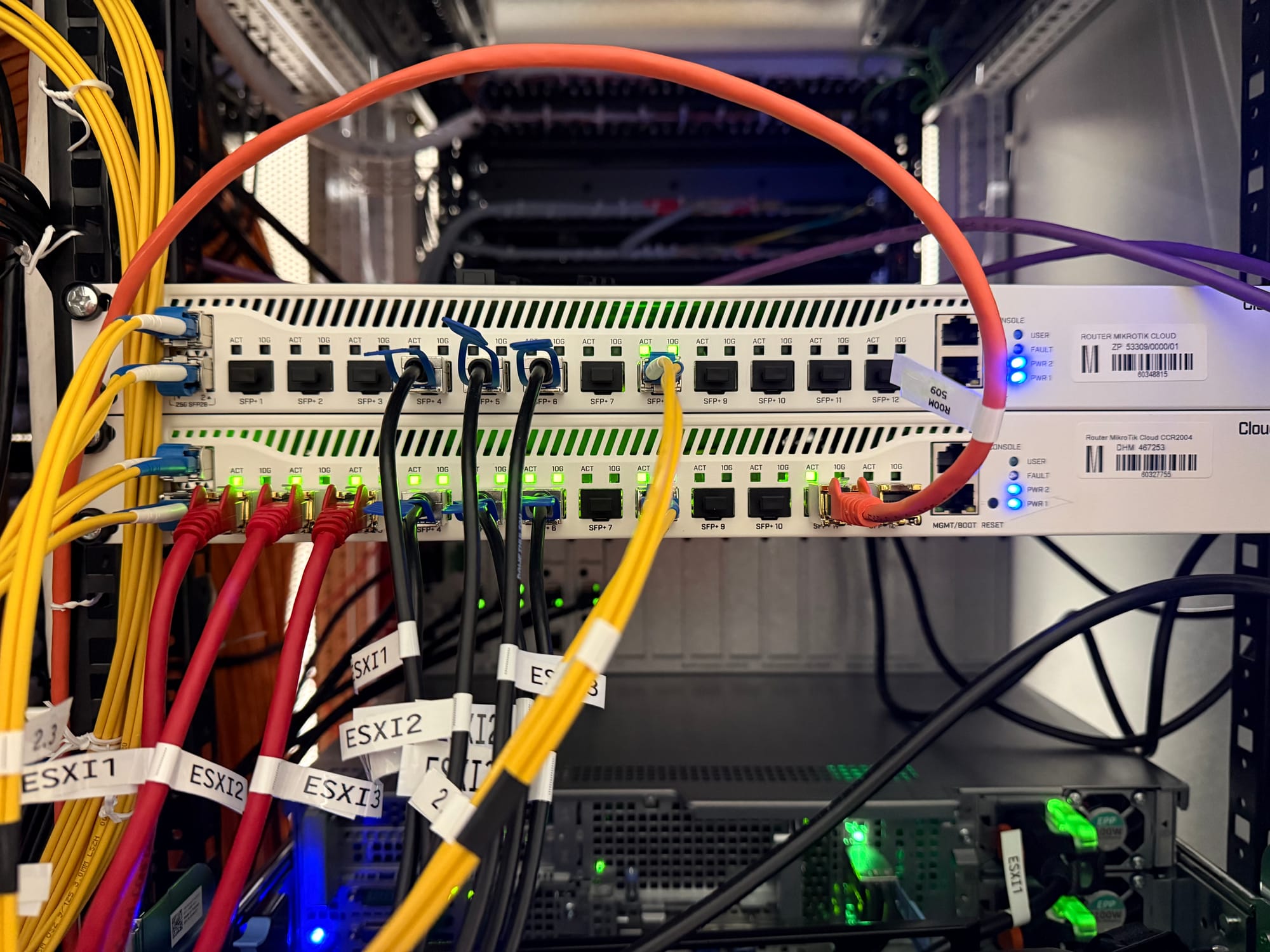
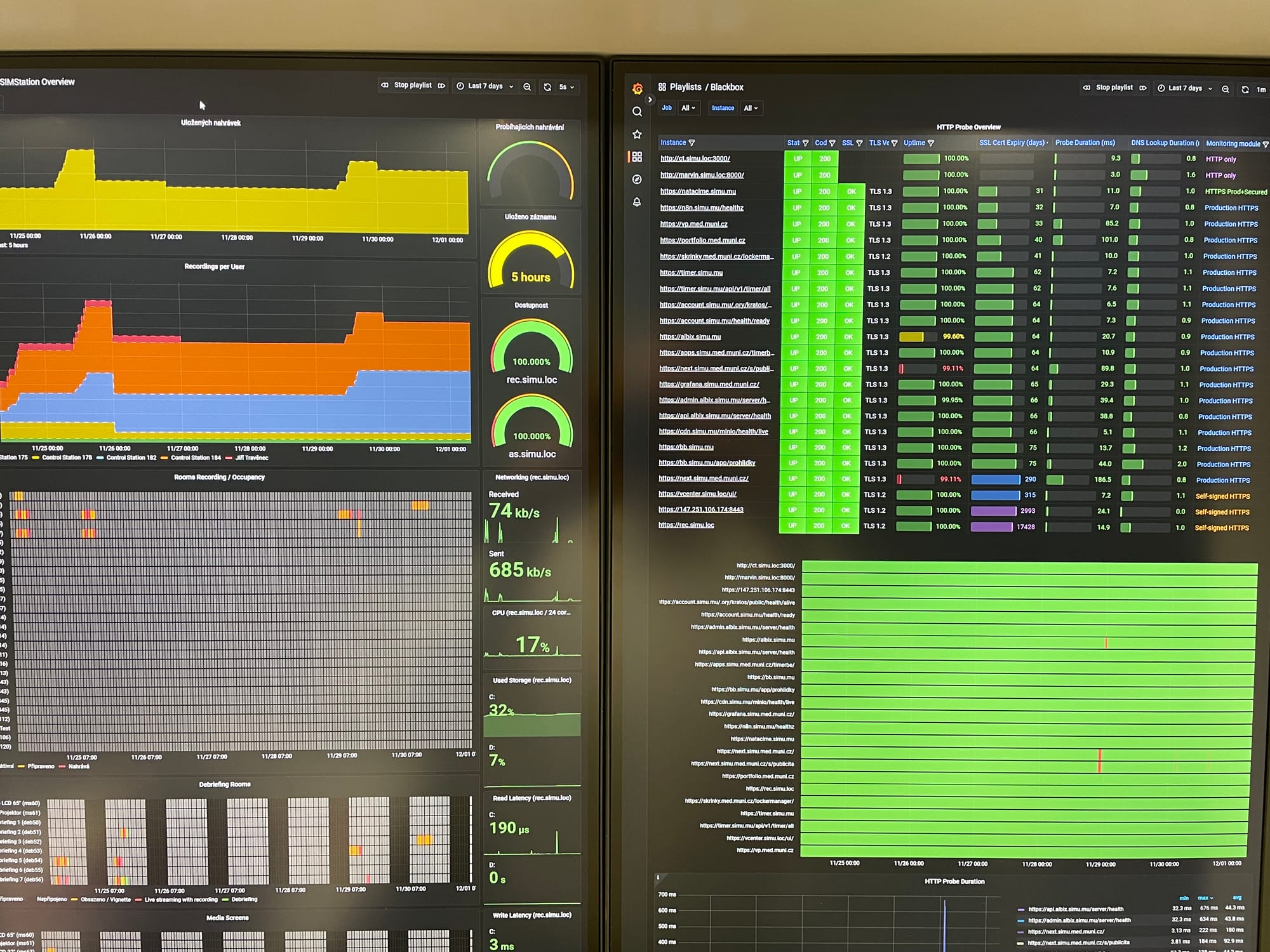
Networking and monitoring at SIMU
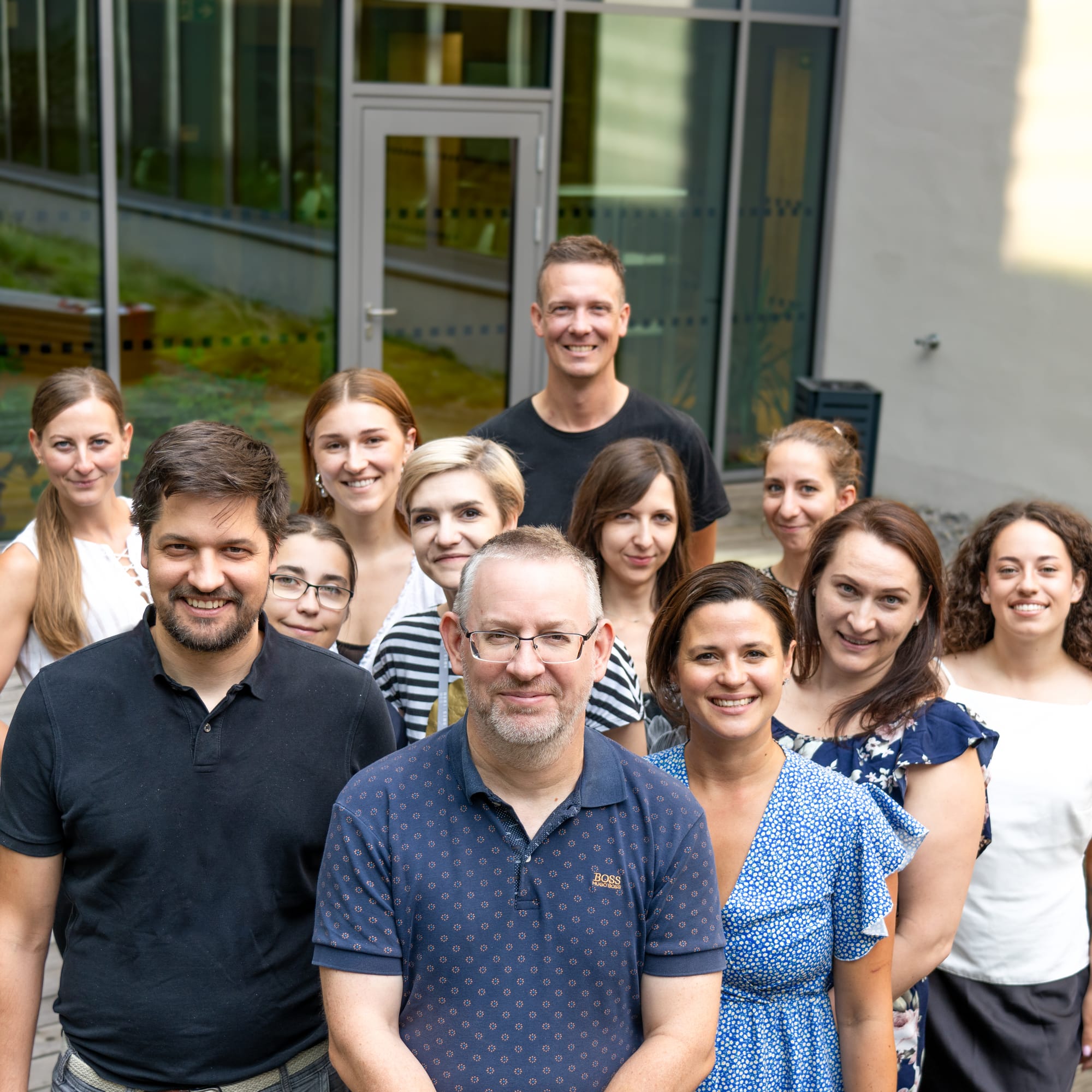
Amazing people
People who are genuinely passionate about working with this kit. It is, without a doubt, the hardest thing to "source," but also the most important. But that’s a story for another time.